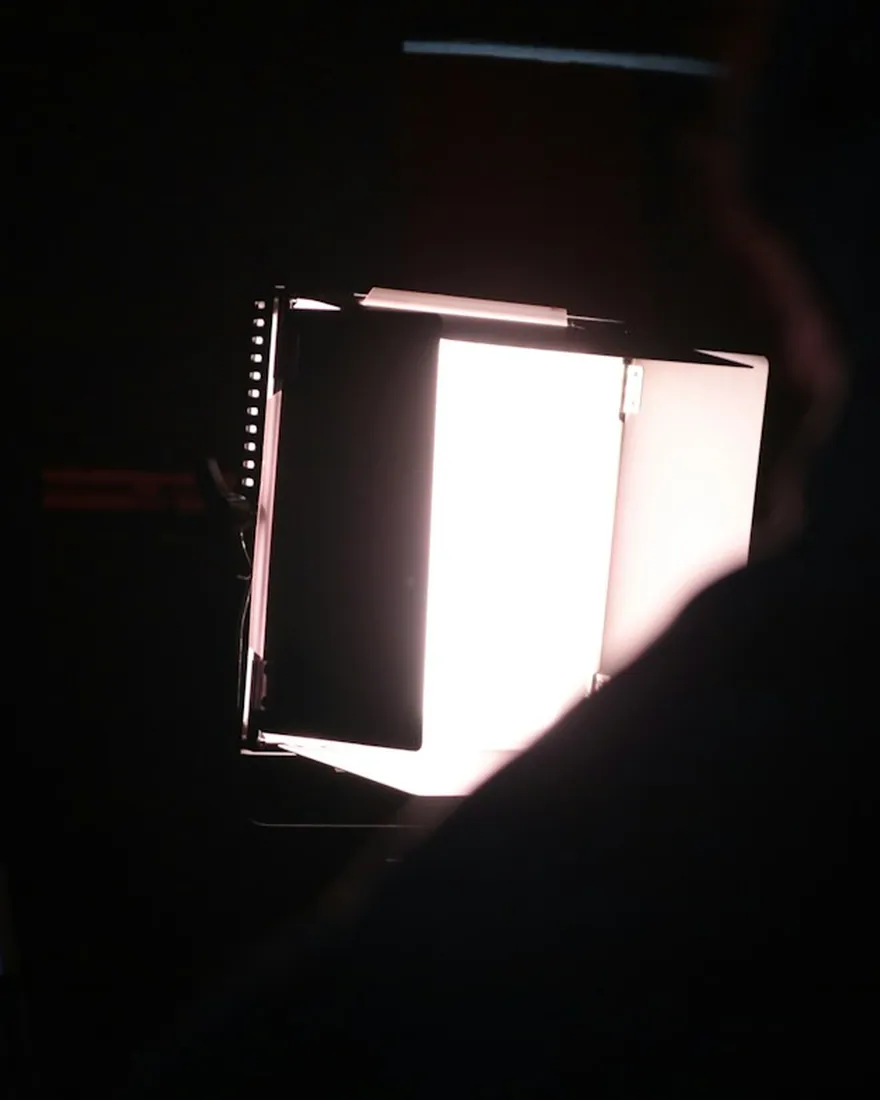
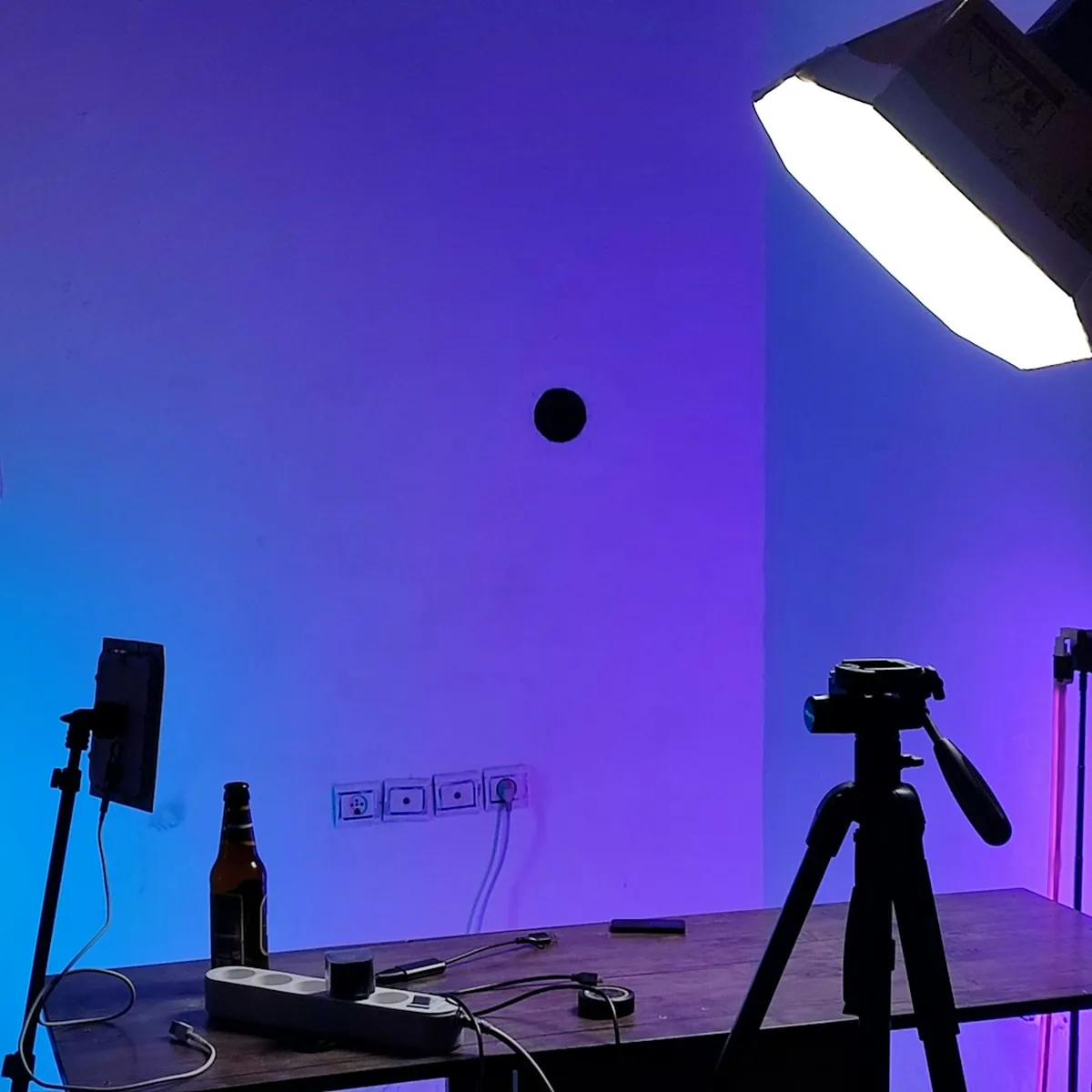
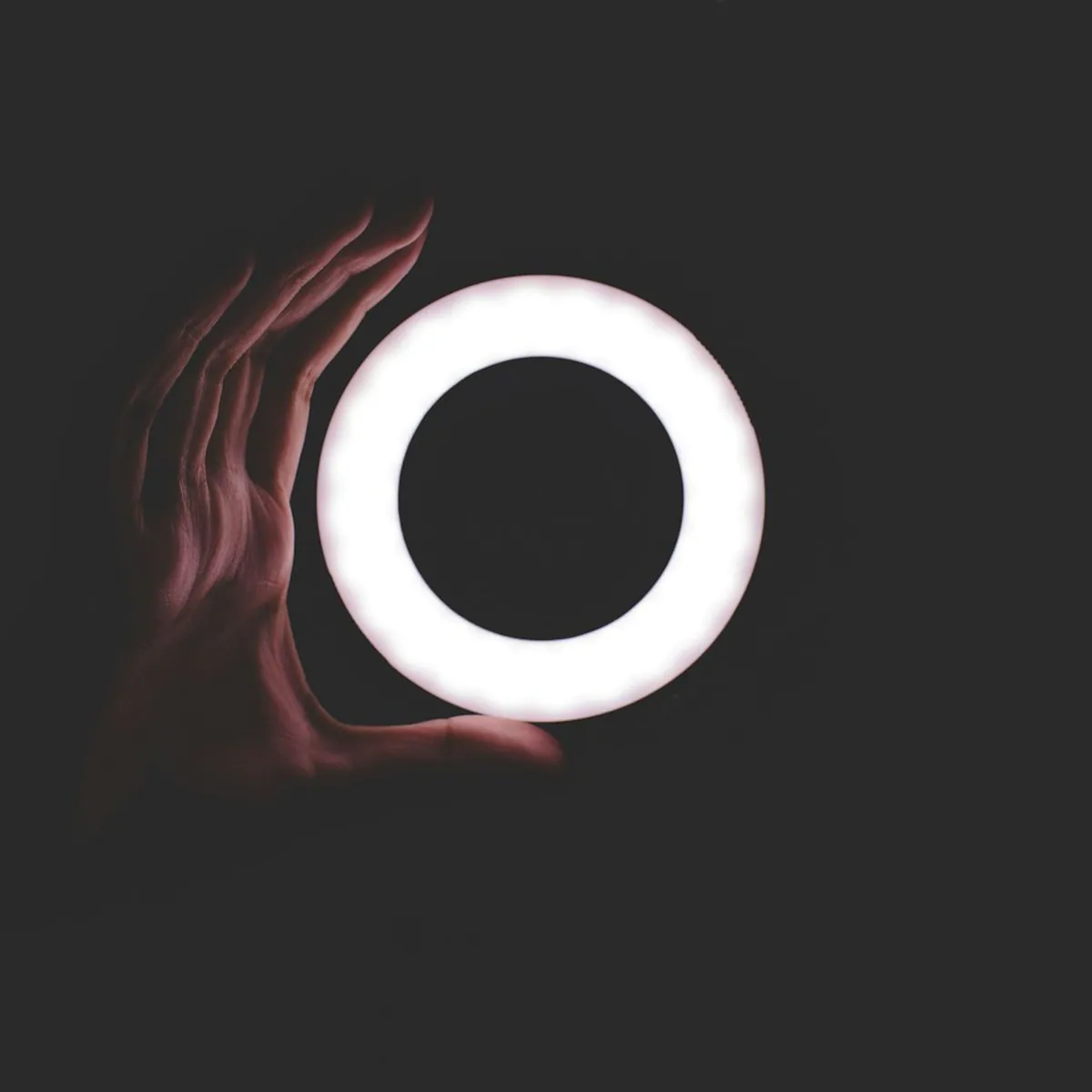
COB video light
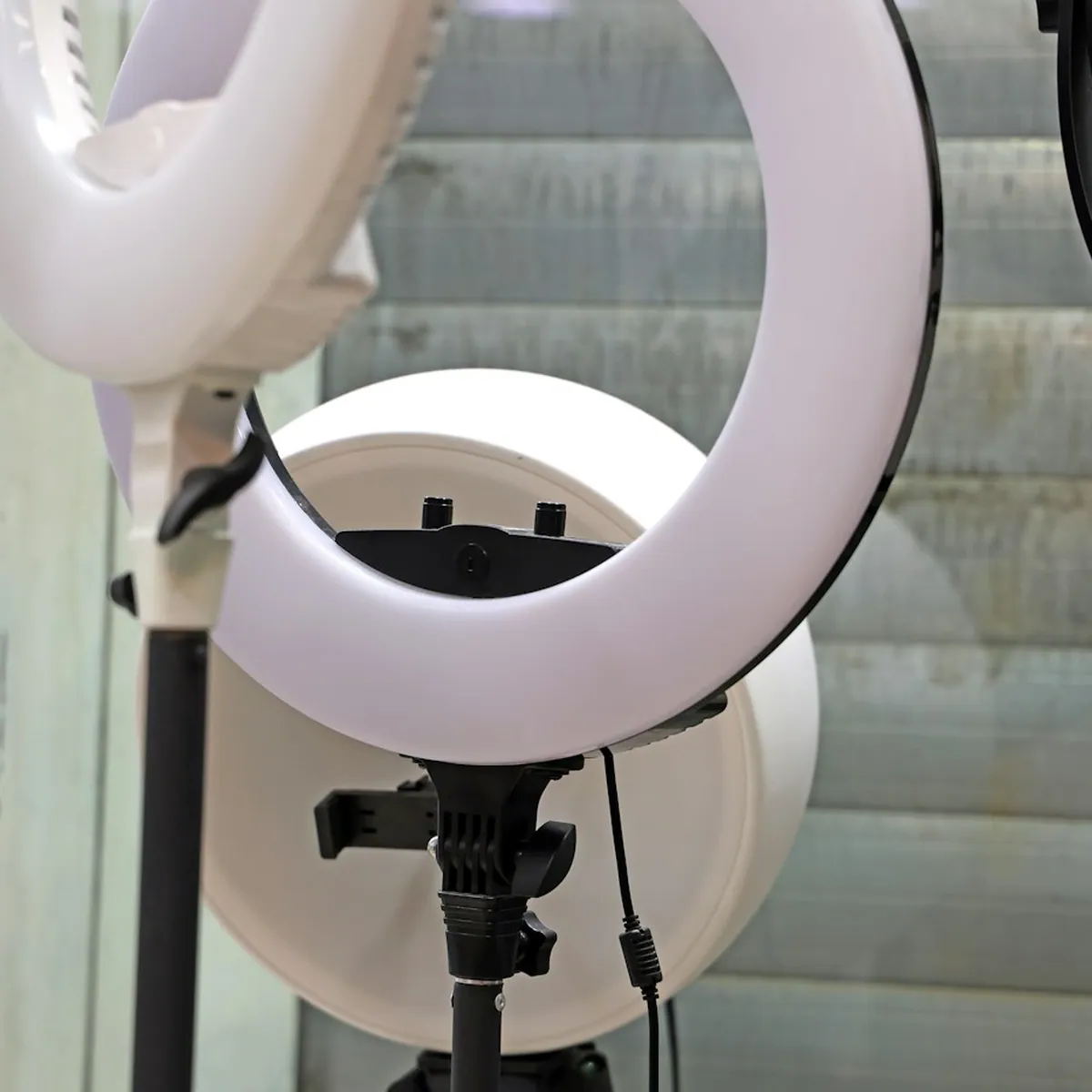
AX Flux 150
150 WBowensApp
₹ 10,999
₹ 17,999

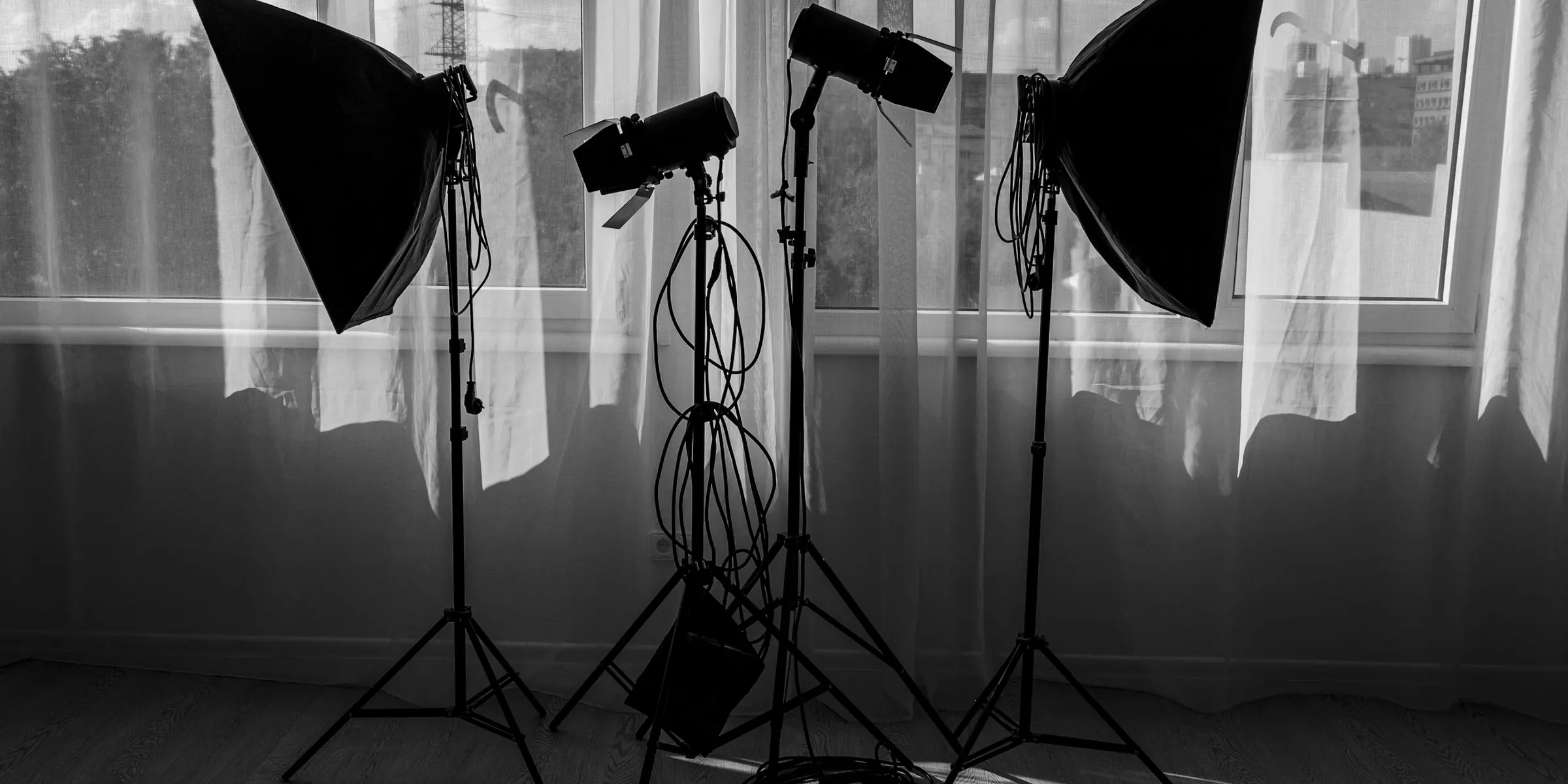
Hover a product to zoom in and flip through its photos. Tap Quick view for the full gallery.
No products in this category yet.
Real shoots with AMME gear. Tap the product on any reel to see photos, price and buy.
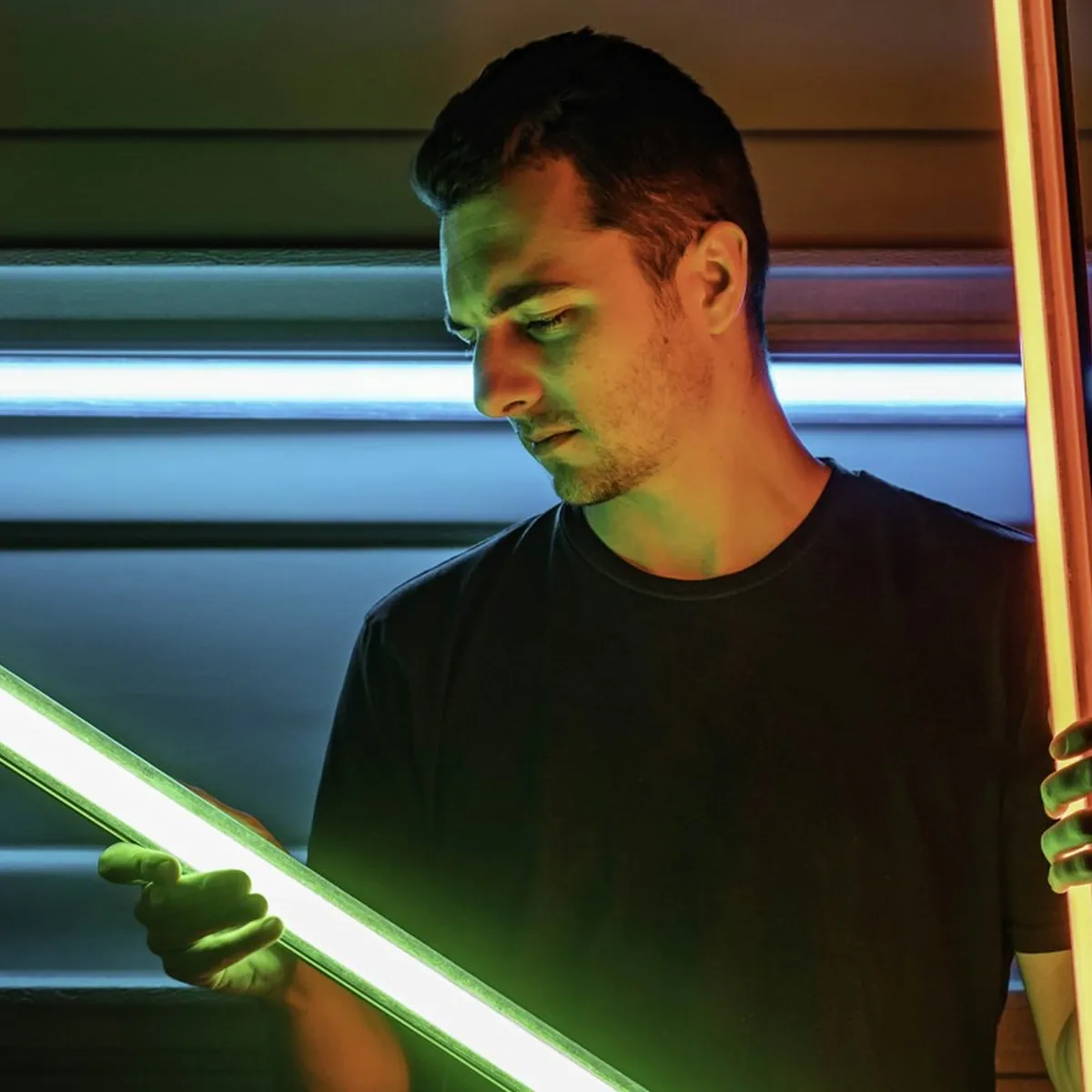
Studio lighting walkthrough with the AX Flux 150
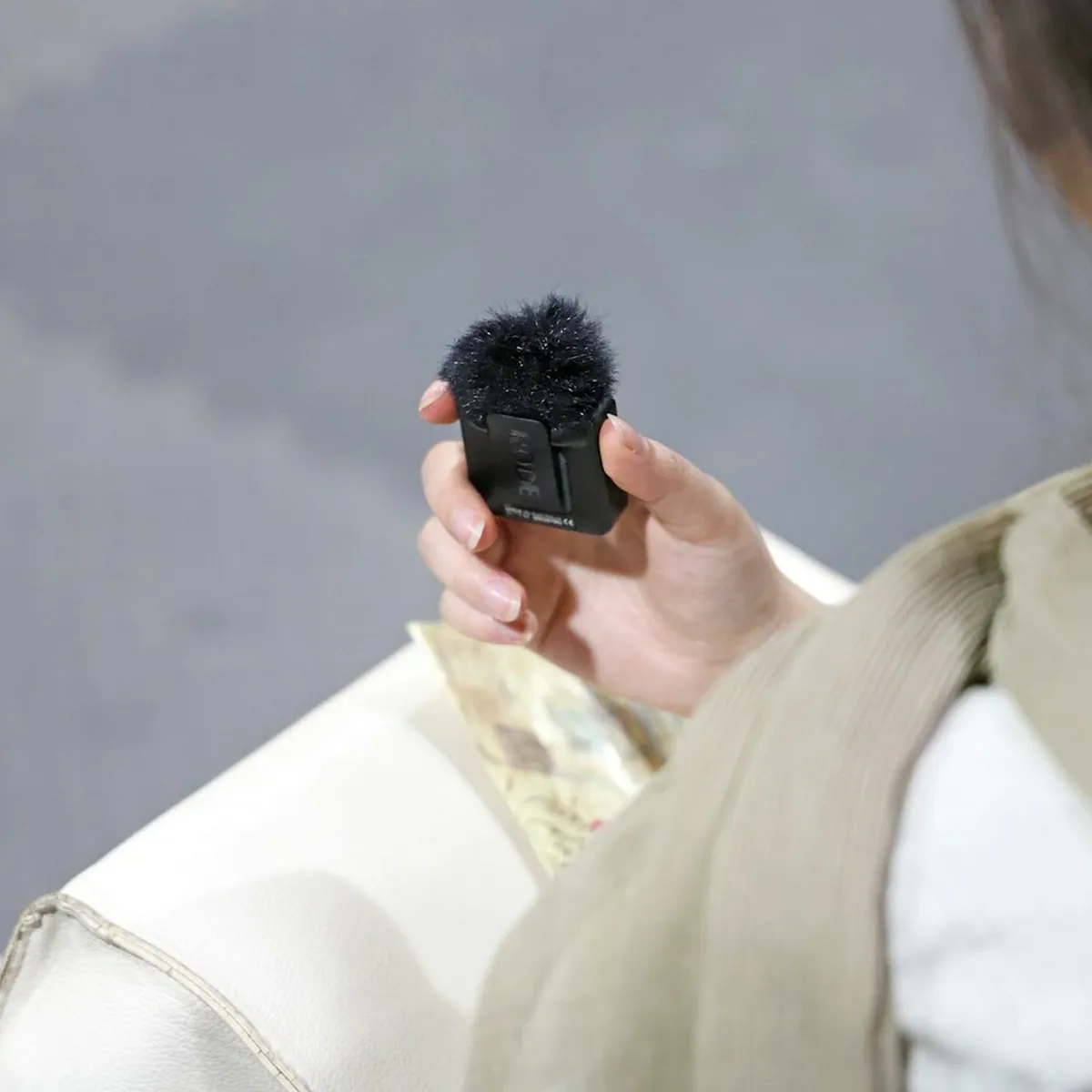
Clipping on the AX Lav Duo before a take
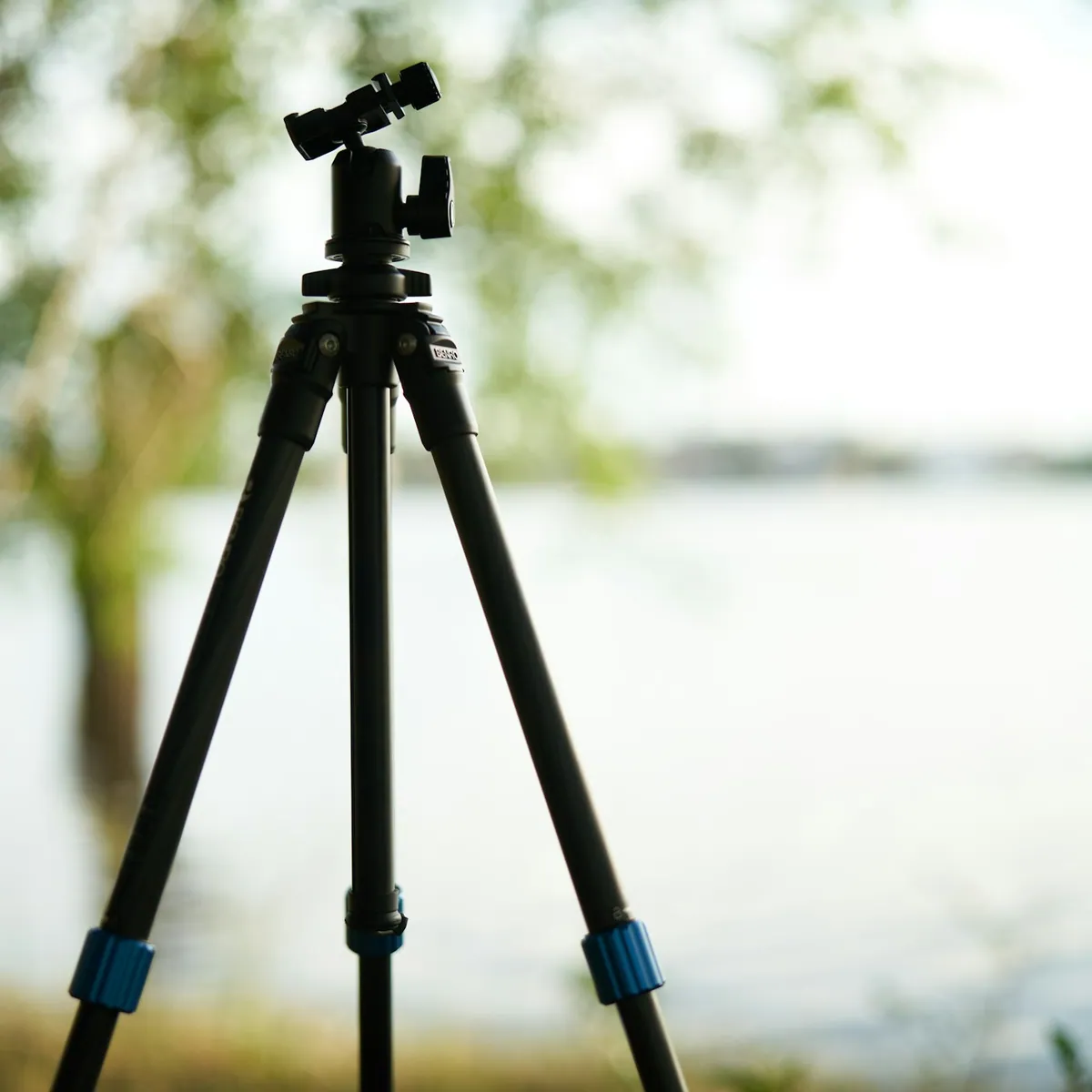
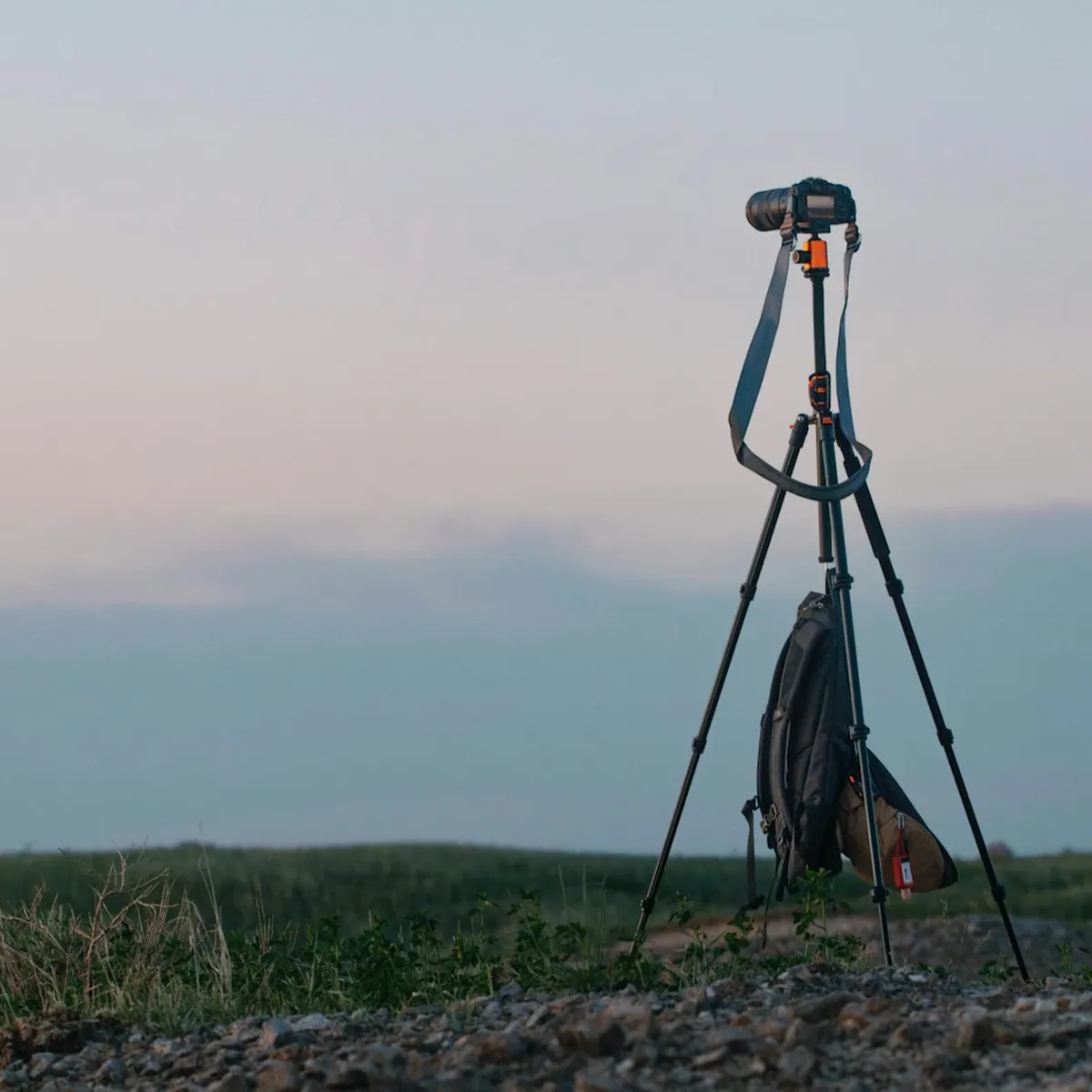
Locking off the shot on the AX Pod 65
Run-and-gun vlog with the AX Shot Mic
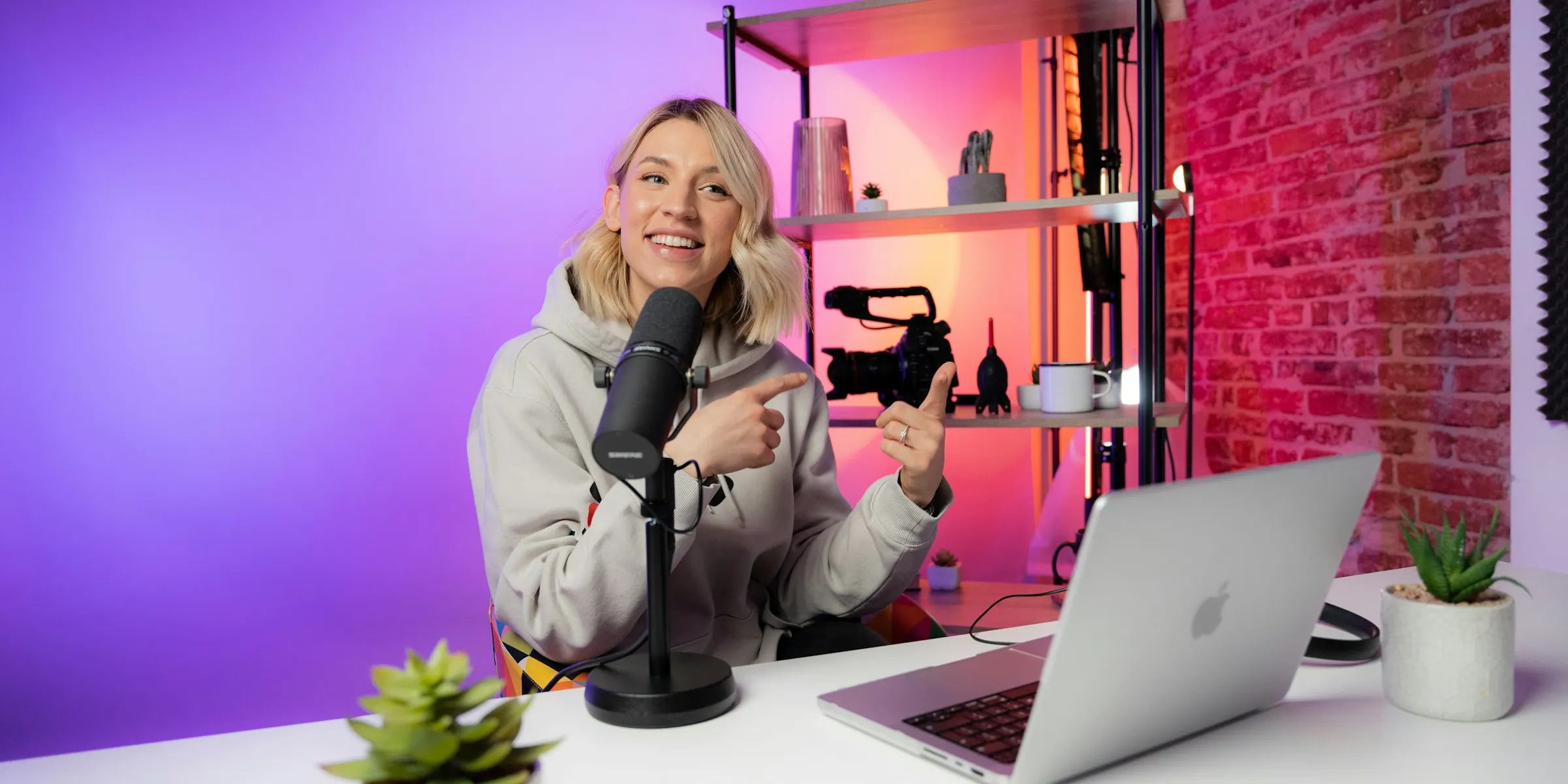
Talking-head setup lit by the AX Panel 60
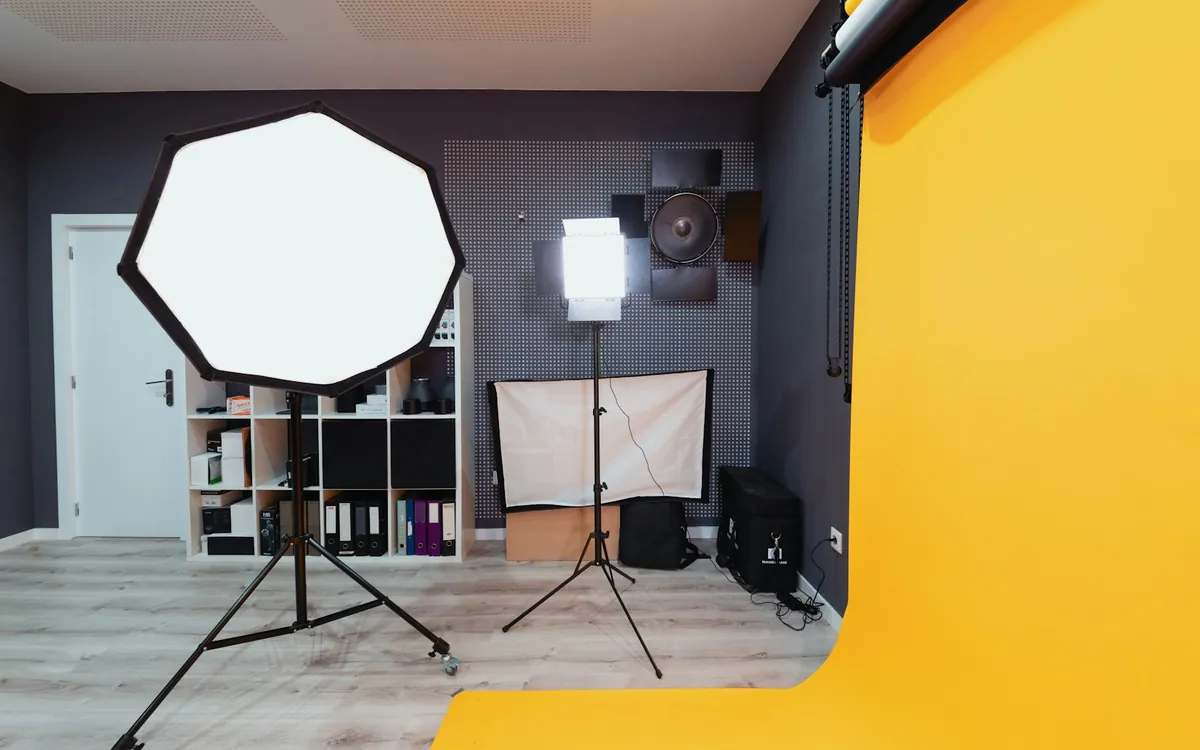
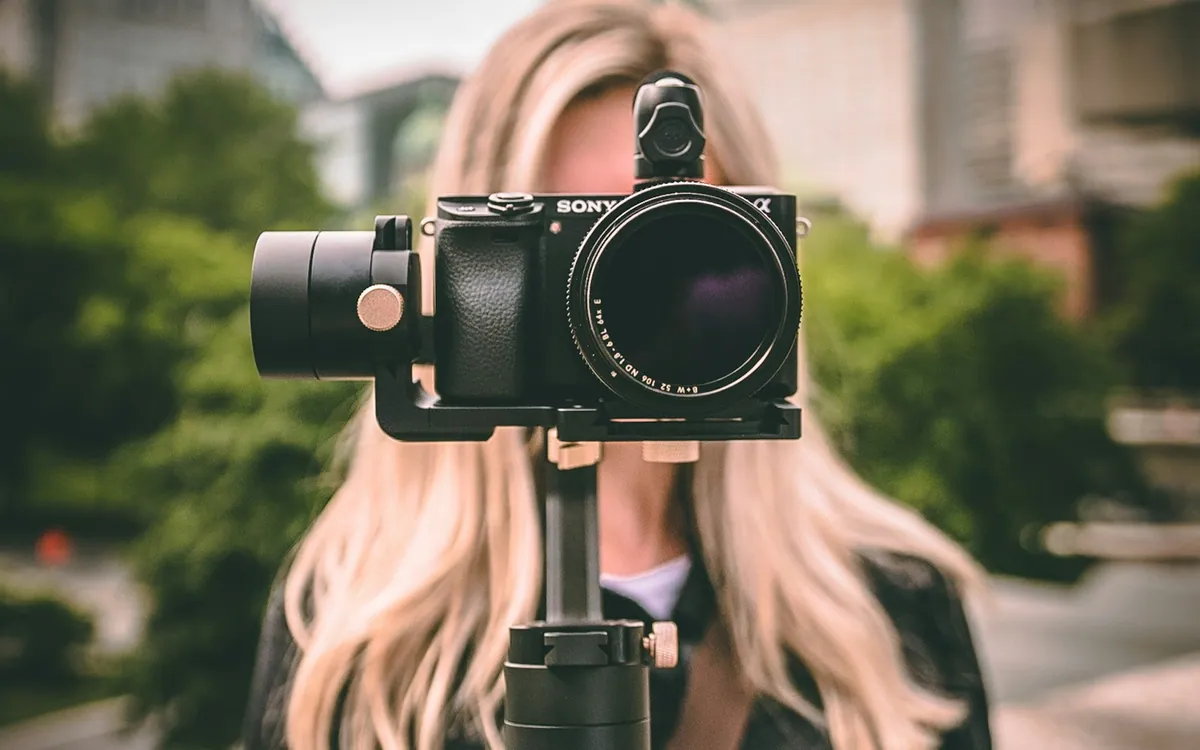
High-CRI chips and tuned diffusion, so skin tones and products look on camera the way they do in real life.
Aluminium bodies, USB-C everywhere and compact folds that disappear into a camera bag.
Step-by-step setup guides, video walkthroughs and real people to talk to when a shoot depends on it.
Open the setup guidePick your product for step-by-step instructions, what's in the box, and the pro tips our team uses on real shoots.
Lift out the light head, reflector, adapter and remote. Check the Bowens ring, yoke knob and cooling vents for any transit damage before the first power-up.
Slide the yoke onto a light-stand spigot and tighten the lock knob. Spread the stand legs fully and hang a sandbag on the leg that sits under the light.
Line up the reflector or softbox with the Bowens ring, twist until it clicks, then press the lock lever down. Keep the rear and side vents uncovered.
Plug the adapter into the wall first, then into the DC-in port. Hold the power key for 2 seconds — the fan spins up and the screen restores your last settings.
Turn the left dial for brightness (1–100%) and the right dial for colour temperature. Press FX to cycle effects such as lightning, candle and TV flicker.
Open the AMME app, switch on Bluetooth and tap Add light. Hold the BT key until its icon blinks, then group several lights to change them together.
For talking-head videos, start at 30–40% through a softbox and raise brightness only until the face is exposed. You get softer shadows and a quieter fan.
Never look straight into the COB at high output. After a shoot, leave the fan running for 5 minutes before packing the light away.
Connect the USB-C cable to a 5V/2A or faster charger. The level bar fills as it charges; give it one full charge before the first shoot.
Screw it onto a tripod with the 1/4" thread at the base, stick it to steel with the rear magnets, or simply hand-hold it for moving shots.
Press the power key, then tap MODE to cycle CCT (white light), HSI (any colour) and FX (animated scenes). The display shows the active mode.
In CCT, turn the dial to set warmth. In HSI, press the dial to switch between hue, saturation and brightness, then turn it to adjust.
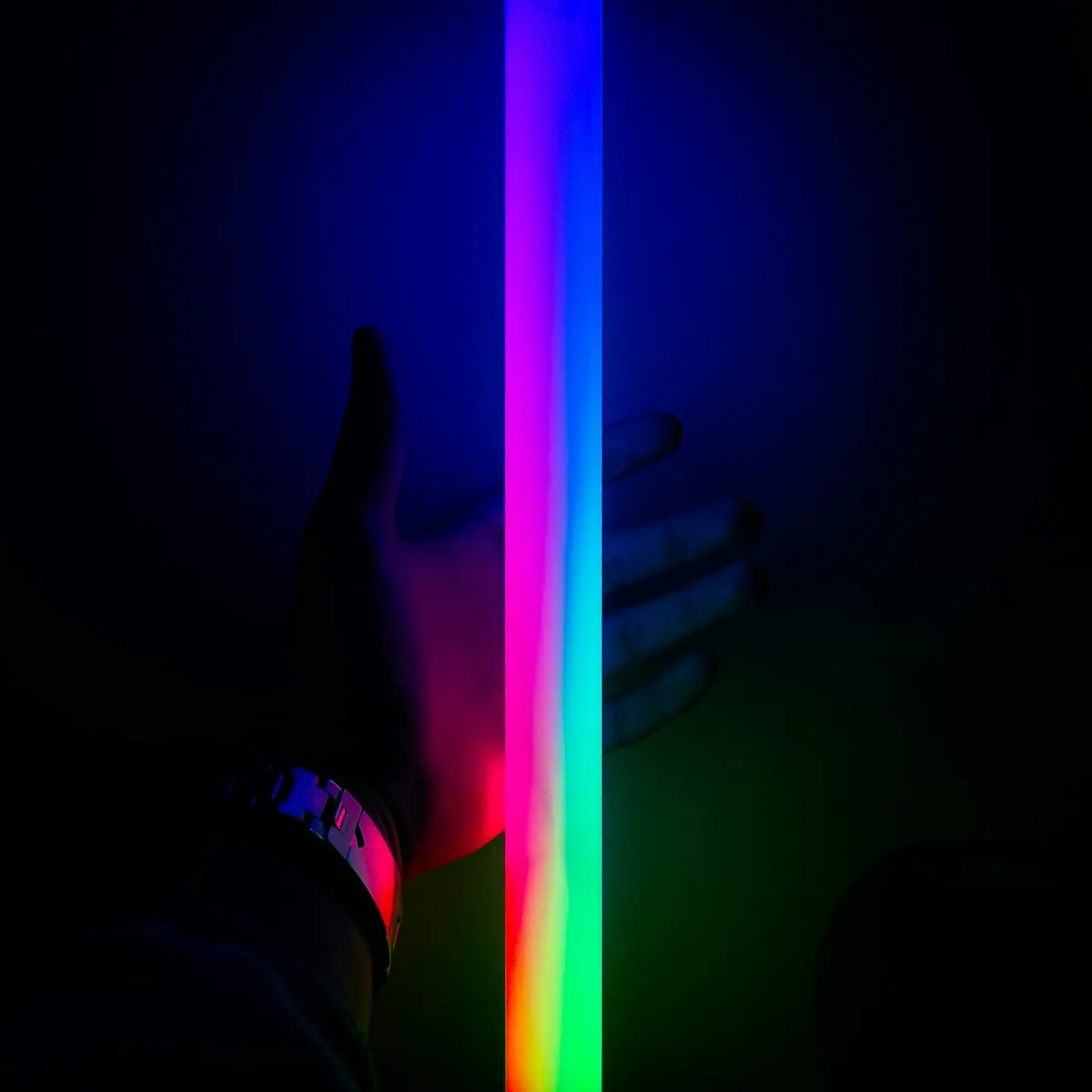
In FX mode, turn the dial to choose a scene and press it to edit speed. Party, police and fire scenes work great for B-roll and reels.
Add the stick in the AMME app to control it from your phone, save favourite colours as presets and sync it with your other AMME lights.
Slide on the diffusion sleeve whenever you light faces. It widens the beam and removes hot-spots from the individual LED chips.
Avoid charging in direct sun or inside a closed bag. If it will sit unused for a month or more, store it at around half charge.
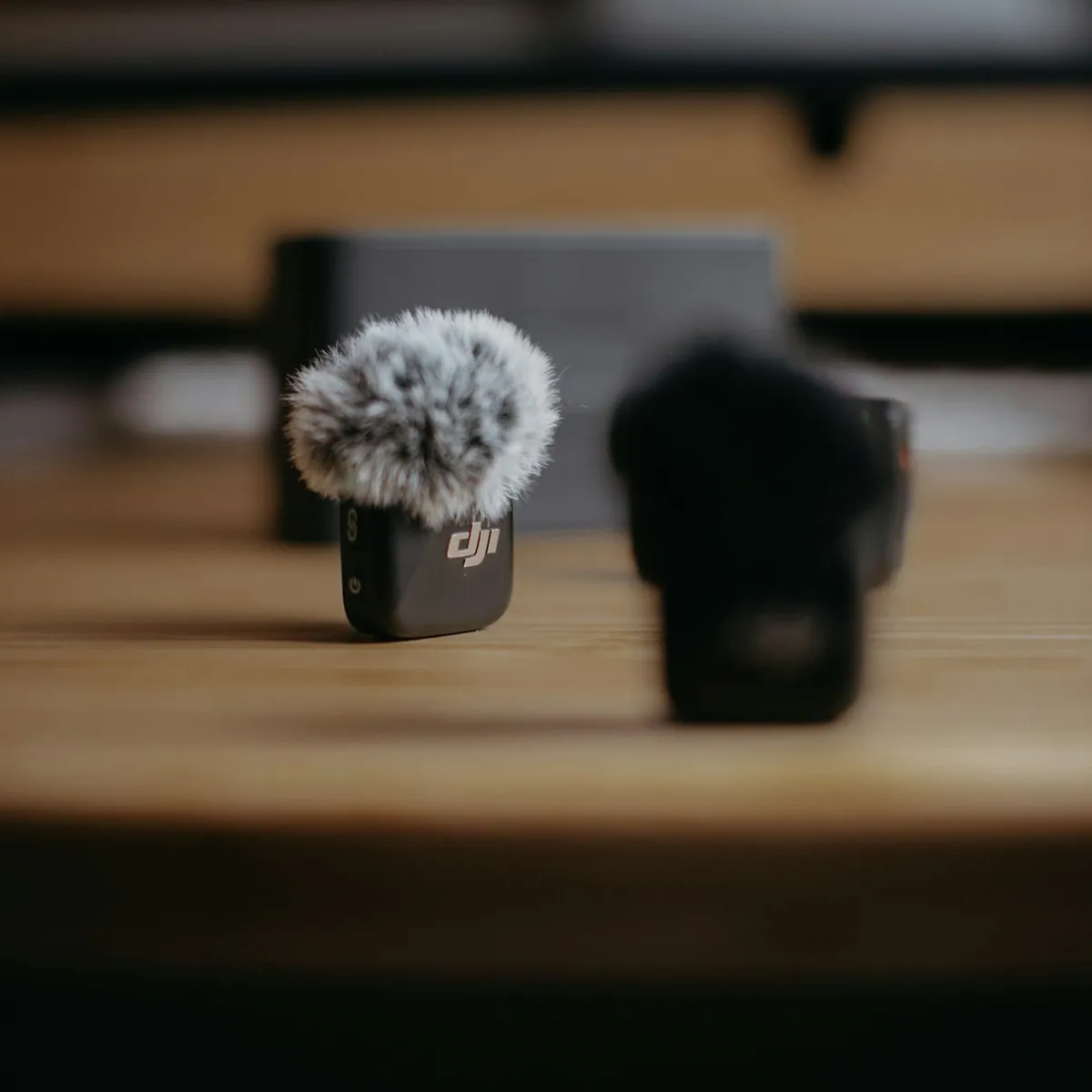
Drop both transmitters and the receiver into the charging case and close the lid. Each indicator turns solid when its unit is full.
Plug the receiver into your phone’s USB-C or Lightning port, or into a camera’s mic input using the 3.5 mm TRS cable.
Take the transmitters out of the case — they power on and pair automatically. A solid light means linked; a blinking light means still searching.
Clip each transmitter 15–20 cm below the speaker’s chin with the mesh facing the mouth. Use the magnet clip to hide it under a collar or shirt.
Press NR on the receiver in noisy places. Record a 10-second test, play it back, and lower the gain if loud words sound harsh.
Plug headphones into the receiver to listen live. Keep a clear line of sight between transmitter and receiver for the most stable signal.
Outdoors, always fit the furry windscreen. It removes wind rumble that noise reduction alone cannot fix.
Never put wet transmitters into the case. Dry them first to protect the charging contacts.
[Paste the customer’s review here, in their own words.]
[Paste the customer’s review here, in their own words.]
[Paste the customer’s review here, in their own words.]
[Paste the customer’s review here, in their own words.]
[Paste the customer’s review here, in their own words.]
[Paste the customer’s review here, in their own words.]
[Paste the customer’s review here, in their own words.]
[Paste the customer’s review here, in their own words.]
[Paste the customer’s review here, in their own words.]
[Paste the customer’s review here, in their own words.]
[Paste the customer’s review here, in their own words.]
[Paste the customer’s review here, in their own words.]
[Paste the customer’s review here, in their own words.]
[Paste the customer’s review here, in their own words.]
[Paste the customer’s review here, in their own words.]
[Paste the customer’s review here, in their own words.]
[Paste the customer’s review here, in their own words.]
[Paste the customer’s review here, in their own words.]
[Paste the customer’s review here, in their own words.]
[Paste the customer’s review here, in their own words.]
[Paste the customer’s review here, in their own words.]
[Paste the customer’s review here, in their own words.]
[Paste the customer’s review here, in their own words.]
[Paste the customer’s review here, in their own words.]
[Paste the customer’s review here, in their own words.]
[Paste the customer’s review here, in their own words.]
[Paste the customer’s review here, in their own words.]
[Paste the customer’s review here, in their own words.]
[Paste the customer’s review here, in their own words.]
[Paste the customer’s review here, in their own words.]
[Paste the customer’s review here, in their own words.]
[Paste the customer’s review here, in their own words.]
Can't find what you need? Our creator support team helps with setup, choosing gear and warranty claims.
Use the AX Flux 150 through a softbox as your key light, and add an AX Stick 30 RGB behind you for a coloured background or rim light. For a small desk setup, a single AX Panel 60 is enough to light your face.
App control works on lights marked “App” on their product page. You can group several lights, change them together and save your favourite looks as presets.
The sale runs until [END DATE]. Prices shown during the sale already include the discount; use code [CODE] at checkout for any extra offer.
Every AMME product carries a [X]-month warranty against manufacturing defects from the date of delivery. Keep your order ID handy when you raise a claim.
Orders ship within [X] business days and usually arrive in [X–Y] days depending on your pin code. You get a tracking link by SMS and email as soon as it ships.
[Add your return and replacement window and conditions here.]
New launches, early access to sales and creator lighting tips — once a month, never spam.